Maintenance: spreadsheets, CMMS or custom software?
Organise requests, scheduling and intervention reports with a practical comparison of spreadsheets, an existing CMMS and custom software.
2 min
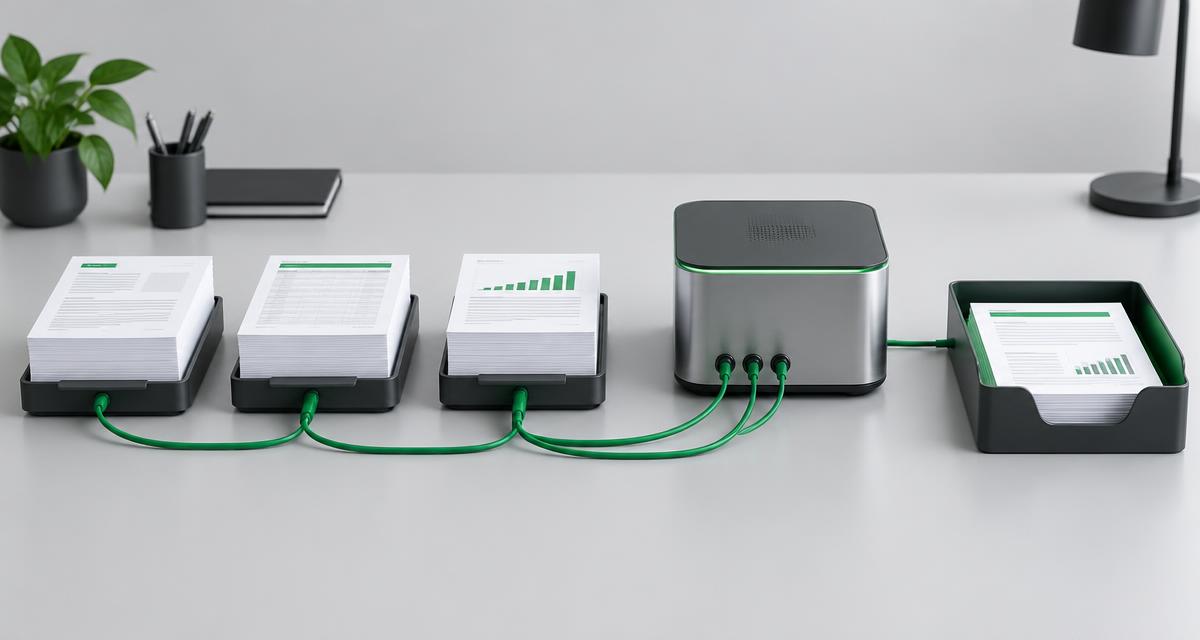
Choosing maintenance software starts with how interventions actually work, not a feature list. A spreadsheet can suit simple tracking. A CMMS or tailored system becomes worth exploring when scheduling, history and handovers create repeated manual work.
Follow an intervention from start to finish
Trace a request from arrival to the completed report. Who clarifies the fault? Who assigns the technician? How do instructions reach the field? Who approves the report? Include urgent work, postponements and missing information.
Use an anonymised example. A shared status definition may be the first improvement before automation. Software cannot automatically fix a process without a clear owner.
When spreadsheets still fit
A shared file can work with simple volumes and rules when everyone knows which version is authoritative. Check permissions, backups and consistent asset identifiers. When copies start circulating, record what information gets lost or retyped.
What to test in a CMMS
- Creating a request with asset and priority.
- Assignment using availability, skills and constraints.
- Access to field instructions.
- Structured reports and approvals.
- Asset history and retrievable exports.
Include a postponed intervention and an incomplete report in a demonstration. Check actual site connectivity. A mobile application does not necessarily work offline.
Integrate or build a specific tool
An existing CMMS can remain the source of truth while a portal simplifies requests. An automation can pass an approved status or create a task if rules and failures are defined.
Explore custom software when scheduling constraints, approvals or handovers are not covered. Bound the first version, exclusions and acceptance tests. Pricing depends on actual scope rather than a universal package.
Prepare migration and control
Give each asset a stable identifier. Remove duplicates and trial a limited import. Define which documents to retain and who can access them. Check that reports stay attached to the correct intervention.
Automations need to handle duplicates and unavailable systems. Make errors visible to an owner. A retry must not accidentally create a second intervention.
Measure without inventing results
Choose useful indicators: unassigned requests, reports awaiting approval or postponed interventions. Measure before and after using the same method. Dashboards only help when statuses and underlying records are reliable.
Bring a concrete starting point
Prepare an anonymised request, a sample report and a list of tools. Explain field constraints and missing information. Explore our maintenance approach or discuss your workflow.