Business process automation: choose your first workflow
Start with one repeatable process. Identify where automation helps, when AI is useful and how failures will be handled.
2 min
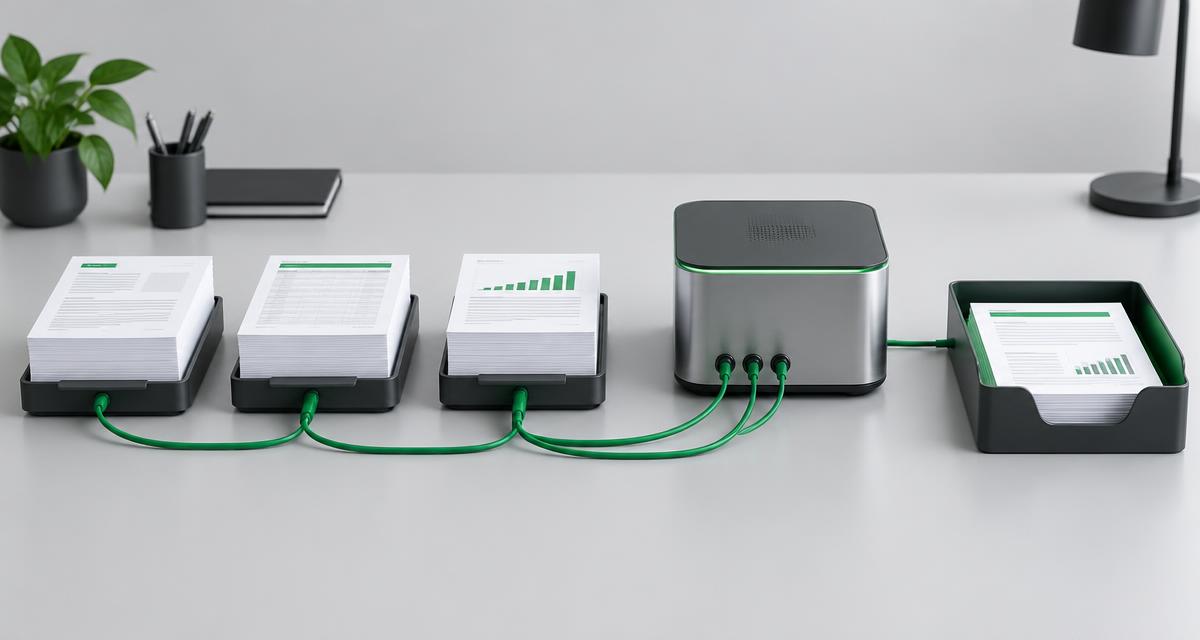
A useful first automation is repeatable, bounded and easy to inspect. Rather than choosing your most complicated process, start where information is regularly retyped or a clear rule can replace a manual step.
Document today's workflow
Write down the trigger, steps and intended outcome. A request might arrive through a form, be checked, enter a CRM and be assigned to a colleague. Record missing information, common exceptions and who decides when something is unclear.
Measure time spent and corrections needed before changing the process. Use the same method afterwards. This lets you compare actual operation rather than presenting an estimate as a proven result.
Use clear rules before AI
Not every automation needs AI. Fixed fields, straightforward validation and transferring records are often easier to inspect with explicit rules. AI can help interpret unstructured text or documents, but its output still needs validation.
Reading a document is not the same as authorising a payment. Let a model propose information while keeping consequential decisions with an authorised person. Explore AI and automation for suitable use cases.
An example: request to follow-up
- A customer submits the necessary information.
- The workflow checks required fields and possible duplicates.
- A valid record is added to the CRM.
- The responsible colleague receives a follow-up task.
- Incomplete or ambiguous information enters a review queue.
This is an illustrative design, not a claim of a particular result. Your systems, responsibilities and permission to use data determine the actual steps.
Plan for failures
- Give each request a traceable identifier.
- Ensure retries do not create duplicate records.
- Make failed steps visible to the responsible person.
- Define who resolves failures and how work restarts.
- Avoid unnecessary personal information in logs.
Test an unavailable service, an invalid field and a duplicate request. A workflow is only useful when its exceptions remain understandable.
Limit access and data sharing
Use only the data needed for a step. Check which suppliers receive it, retention periods and access rights. Do not send sensitive documents to an AI service without appropriate agreements and authorisation. Review relevant privacy and security questions before launch.
Pilot, measure, improve
Introduce the first workflow to a small group. Compare processing time, corrections and unresolved exceptions. Discuss the result with users: a technically functioning workflow can still be awkward.
Expand once ownership, failure handling and maintenance are clear. A dashboard can track meaningful process measures without creating another manual report.
Share your current workflow, including the tools involved and the step requiring the most manual work.